COMMUNITIES
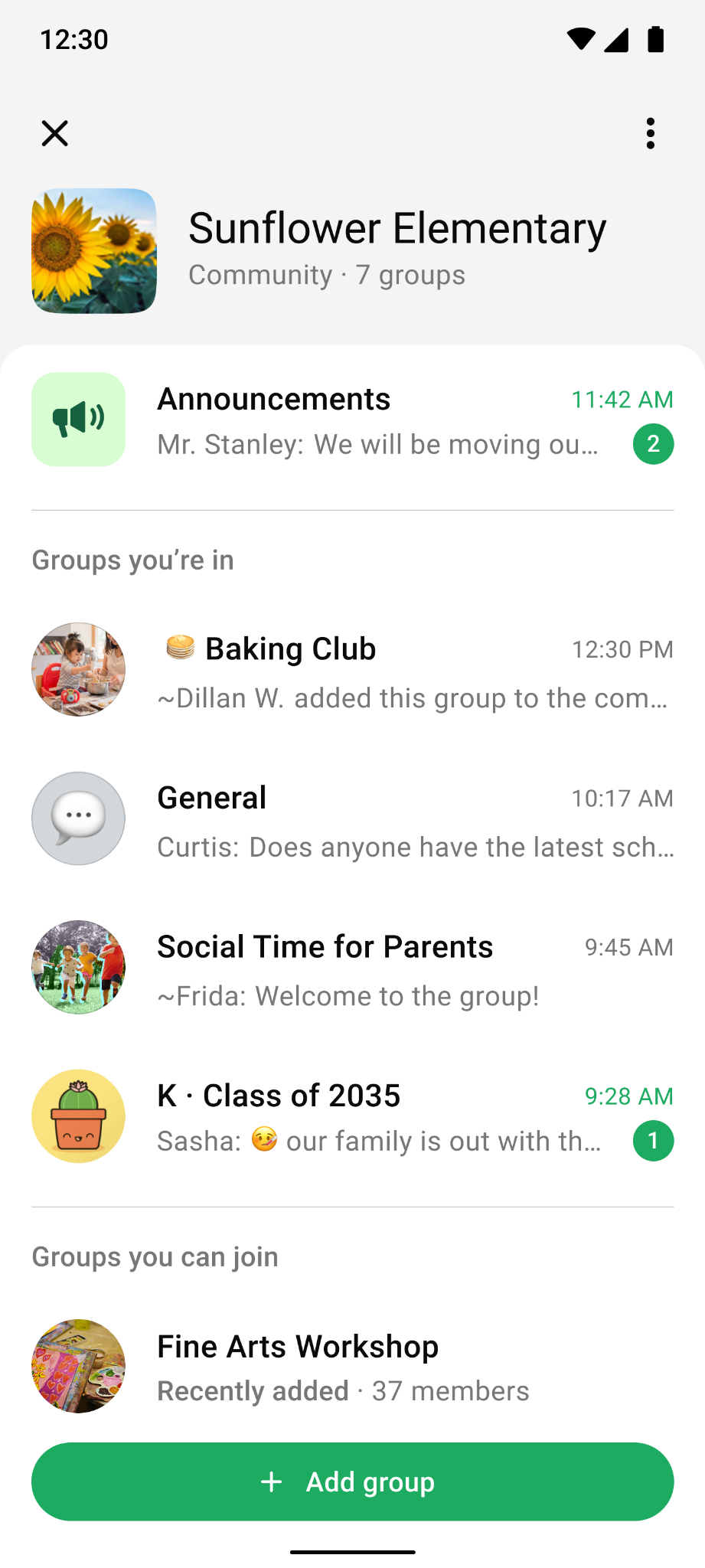
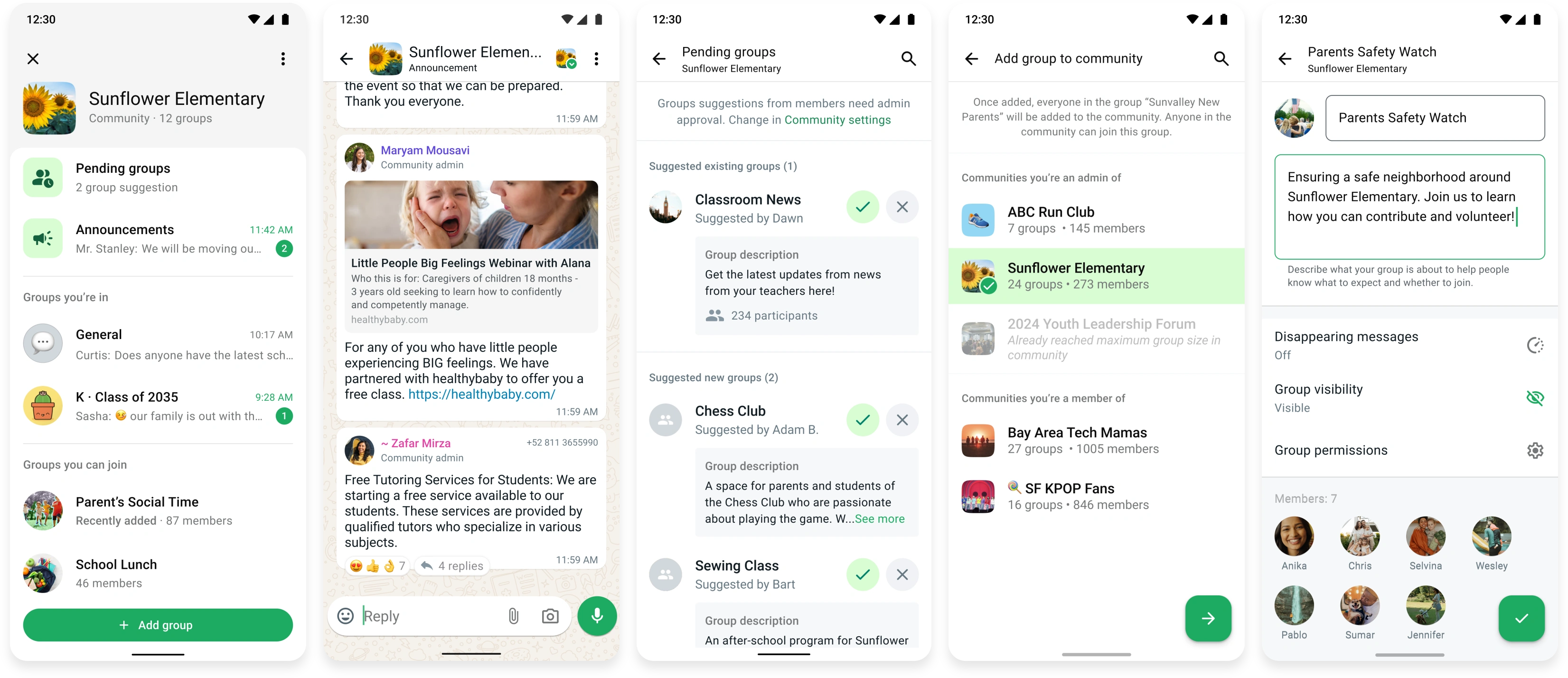
WhatsApp Communities brings related group chats together in one place, like every class group at a school or every team at a company. From 2023, I designed multiple features across the full Communities lifecycle: helping members create new groups, helping people discover and activate within them, giving admins scalable ways to govern them, and building the privacy and control needed to keep Communities trustworthy.
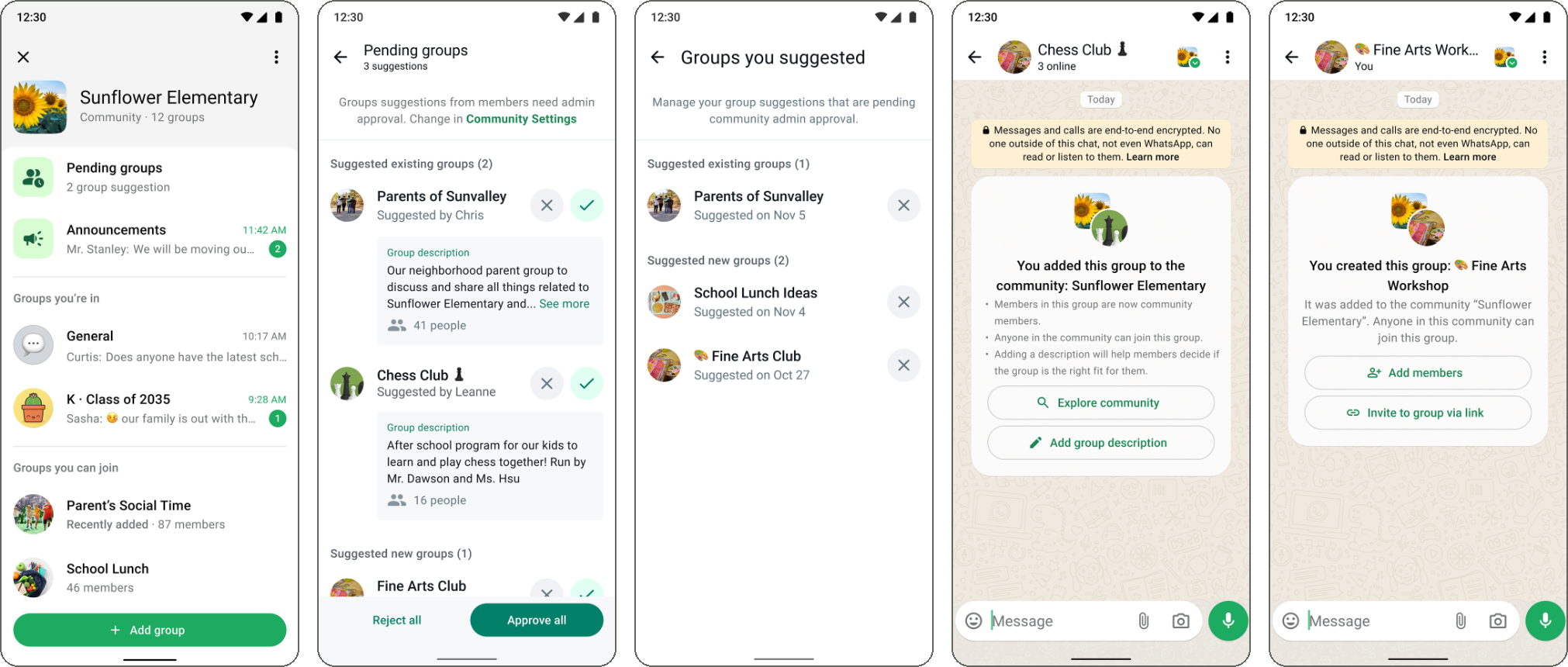
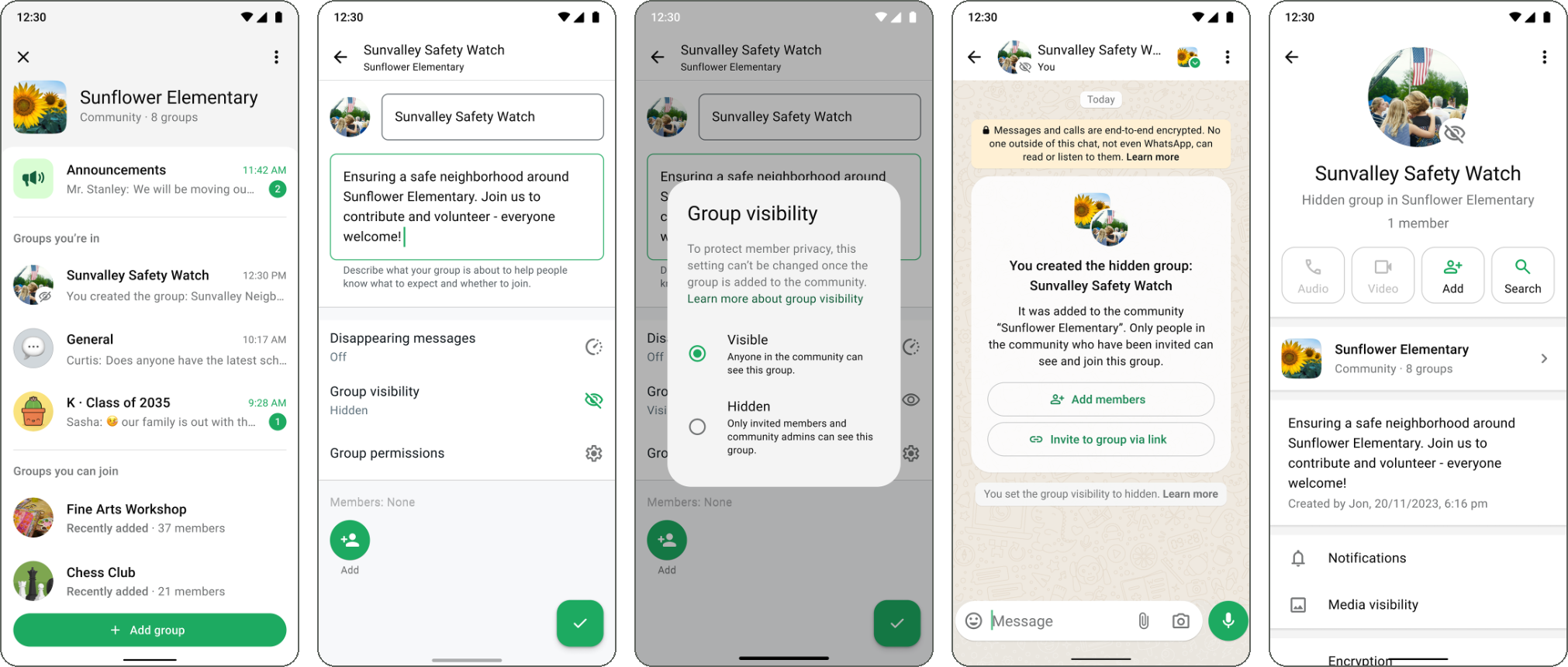
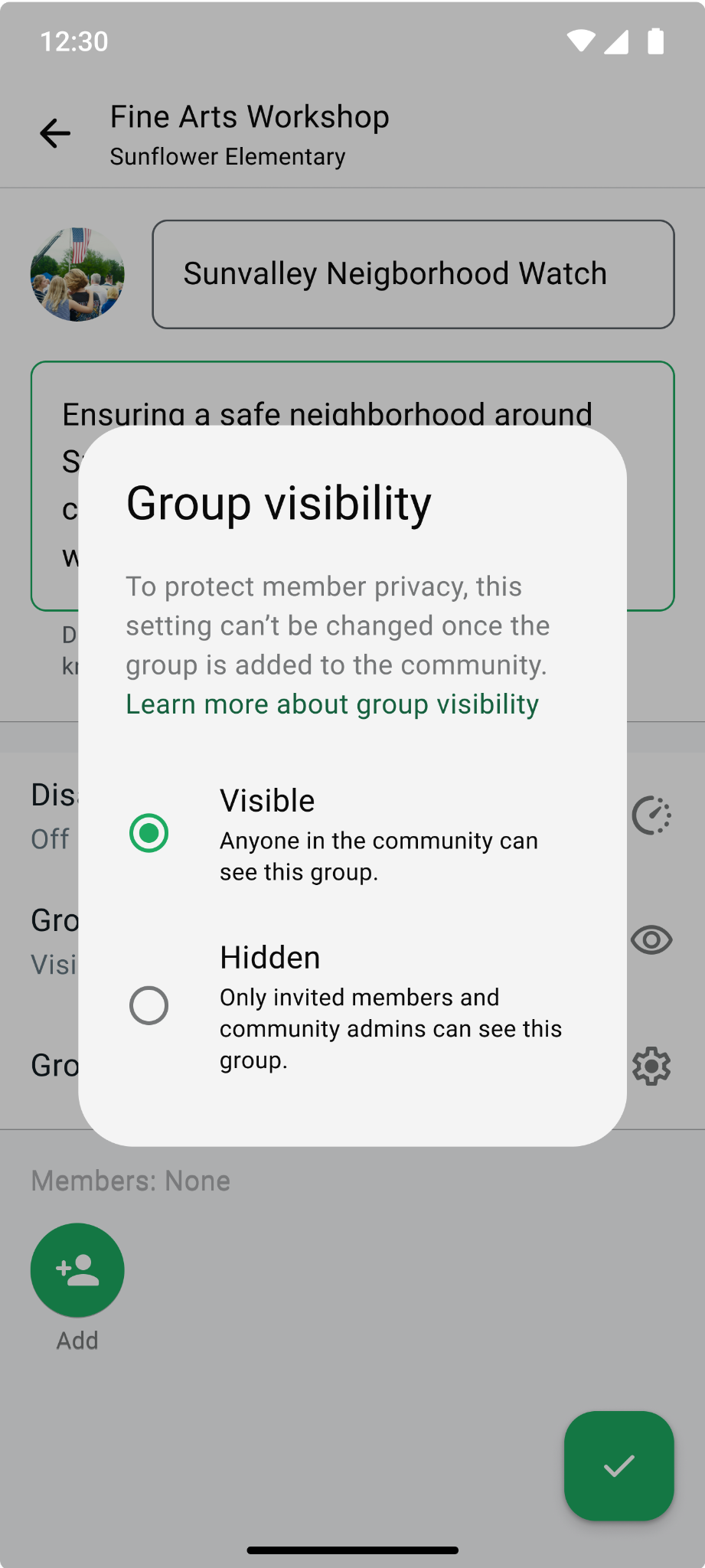
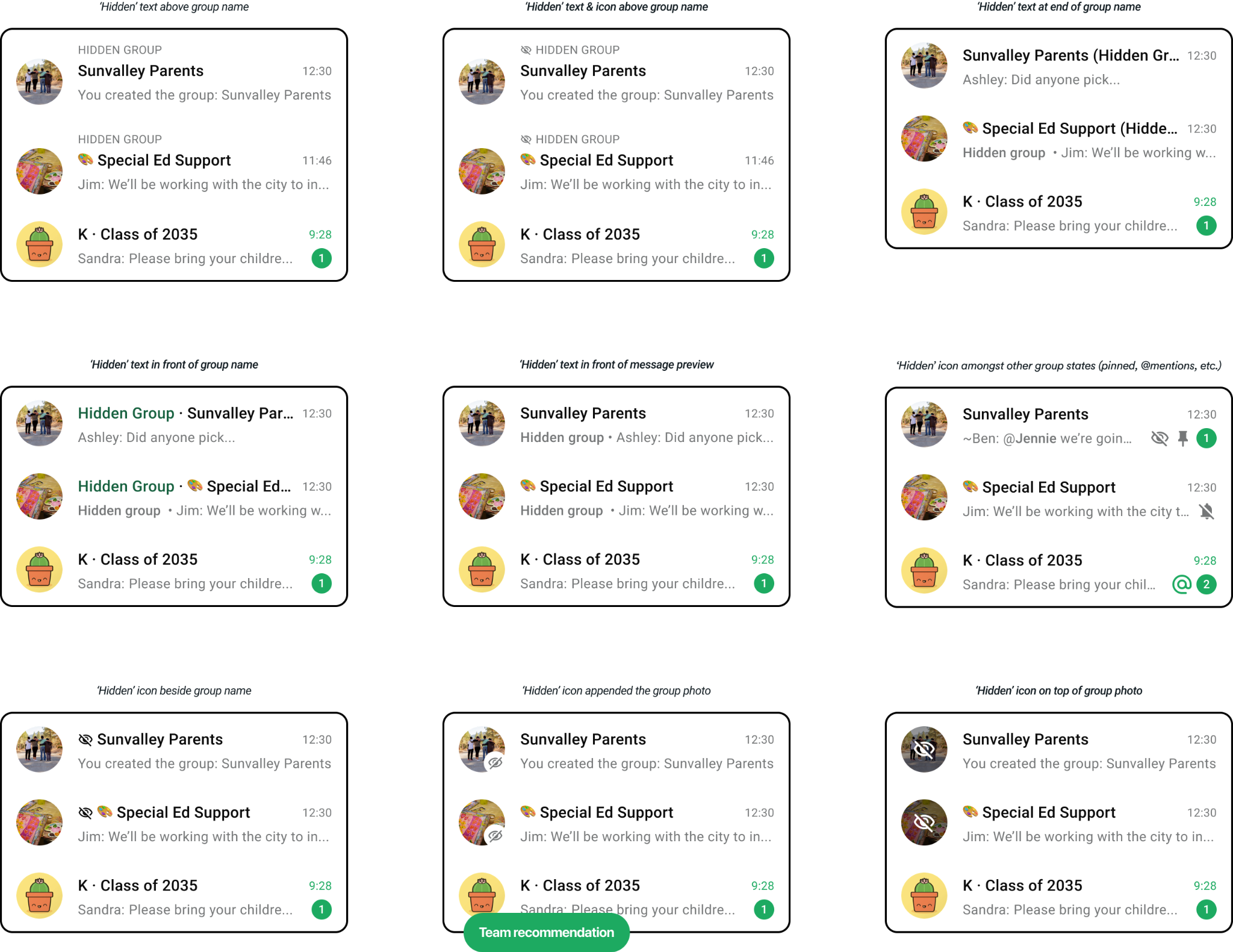
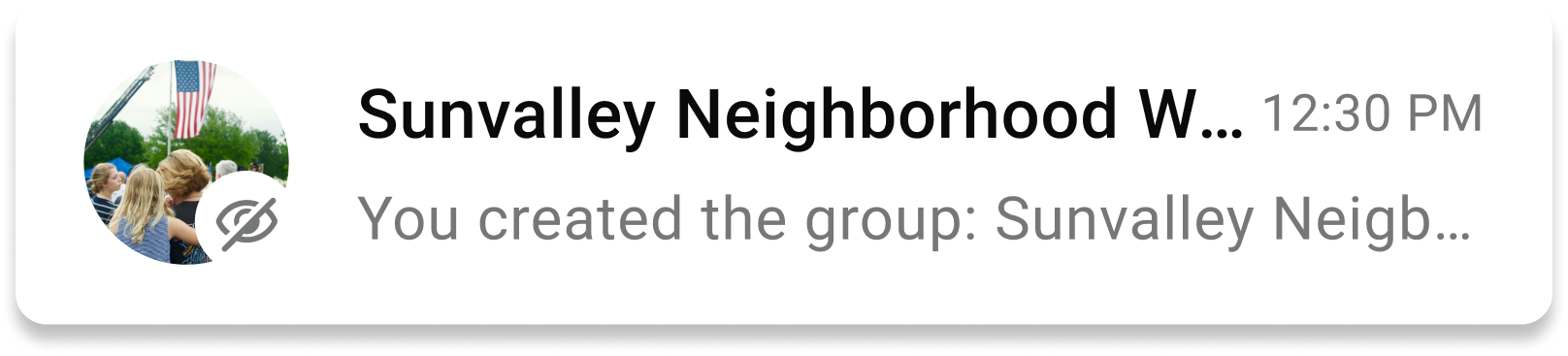
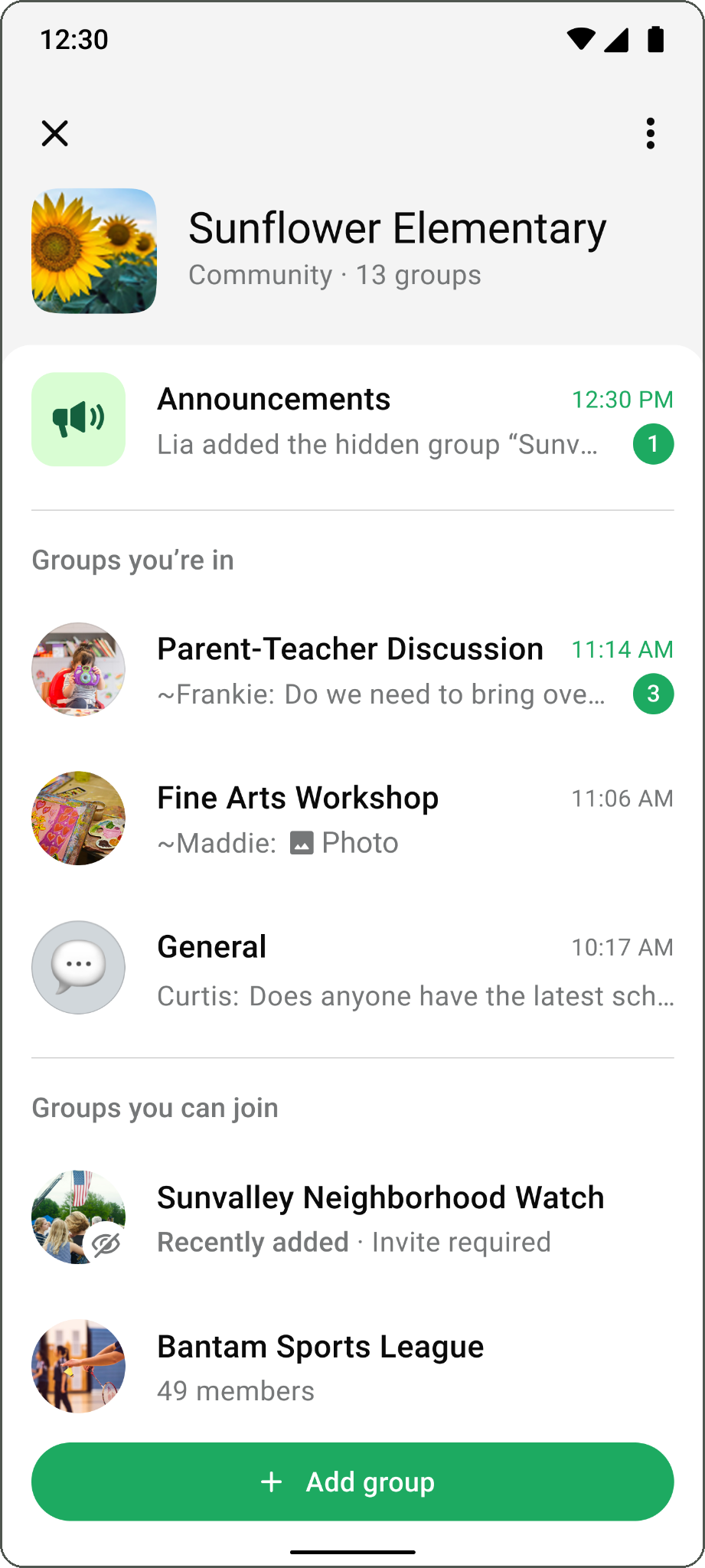
Ex. In a university WhatsApp Community, Jasper can suggest a “Calculus Study Group” for admins to approve, while the student union president Priya can create a hidden group chat as a safe space for her and the other community admins to organize & discuss privately.
- ROLE
- Product Designer
- TEAM
- 2 Product Managers
16 Engineers
2 Content Designers
1.5 UX Researcher
2 Data Scientists
(Across all projects) - TIMELINE
- 2023–2025
IMPACT
~600M daily WhatsApp users
~25% of WhatsApp’s daily active users belonged to a community (by H1 2024).
1M+ thriving communities*
Reached by H1 2024, with 5% month-over-month growth.
19M+ daily senders
Exceeded the daily sender target for product-market fit** in H1 2024.
2× daily thriving growth
Twice as many communities reached the thriving threshold each day after Member Suggested Groups launched.
* Thriving community: Certain number of active subgroups, membership and consistent member activity to sustain conversation.
** Product-market fit: combined metrics of user reach, engagement, retention, admin actions
CONTEXT
WhatsApp Communities launched globally in November 2022 to bring people together in topic-based groups. Increasing thriving communities became a key org focus as the team worked toward product-market fit, proving Communities was a crucial part of the WhatsApp experience.
~75% of active communities had fewer than five groups, in part due to admins being the only ones who could add groups which limited rate the community could grow. As a result, many communities weren't developing enough to be viewed as useful by its members.
Make Communities member-driven, so people are empowered to create or add the groups they need, while giving admins the control, privacy and flexibility to build a healthy community.
DESIGN PRINCIPLES
- Members shape, admins steer. A community is more than a set of groups; it’s the people in it. People want to feel connected, join the conversation and contribute in meaningful ways, including helping their community grow, with admins still having the final say.
- Simple, familiar and lightweight. Communities should be easy to understand. Build on patterns people already know, make the value clear, and show people how a community benefits them and meets their needs.
- Make privacy and participation clear. Communities bring more people and existing groups together, adding another layer of privacy complexity. Clear controls, notices and guidance help members understand what changes when a group joins, protect their privacy and choose how they participate.
WHAT MAKES A COMMUNITY
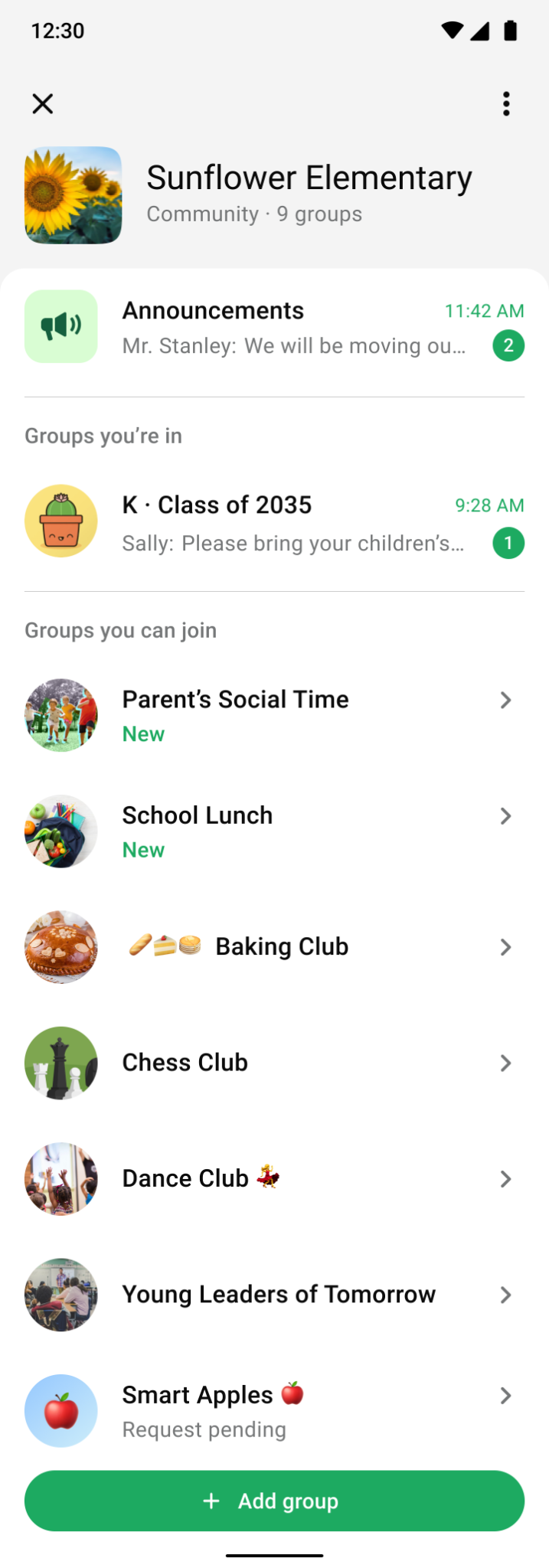
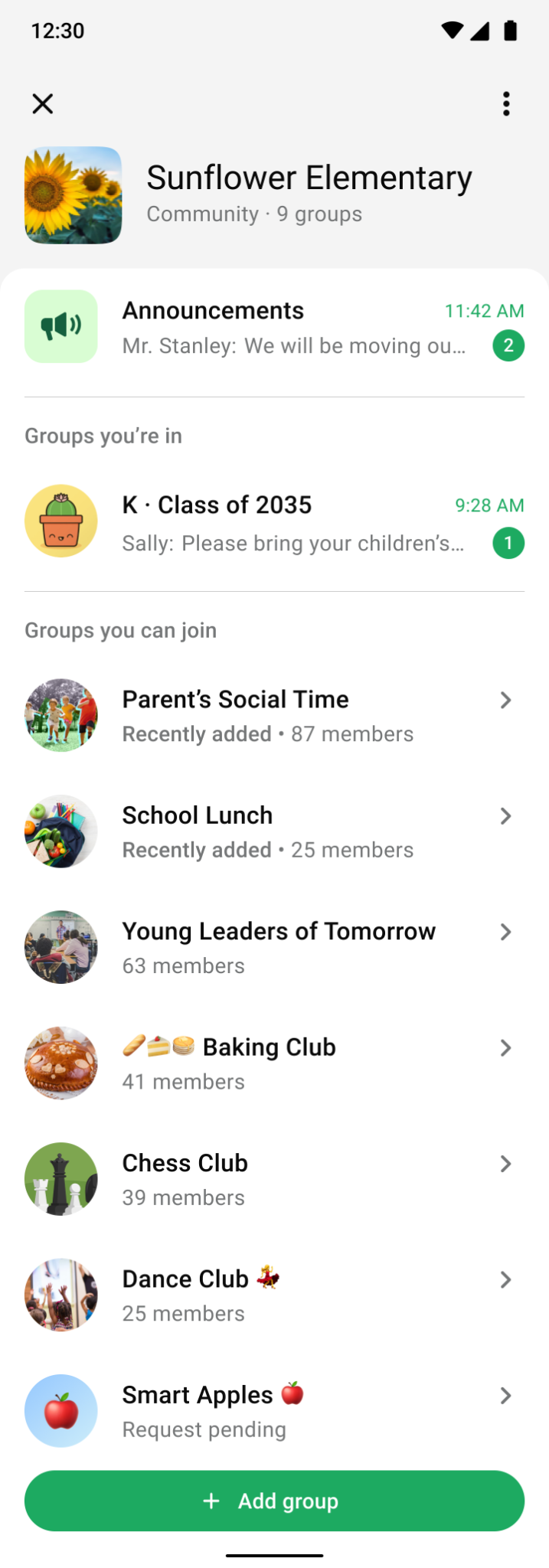
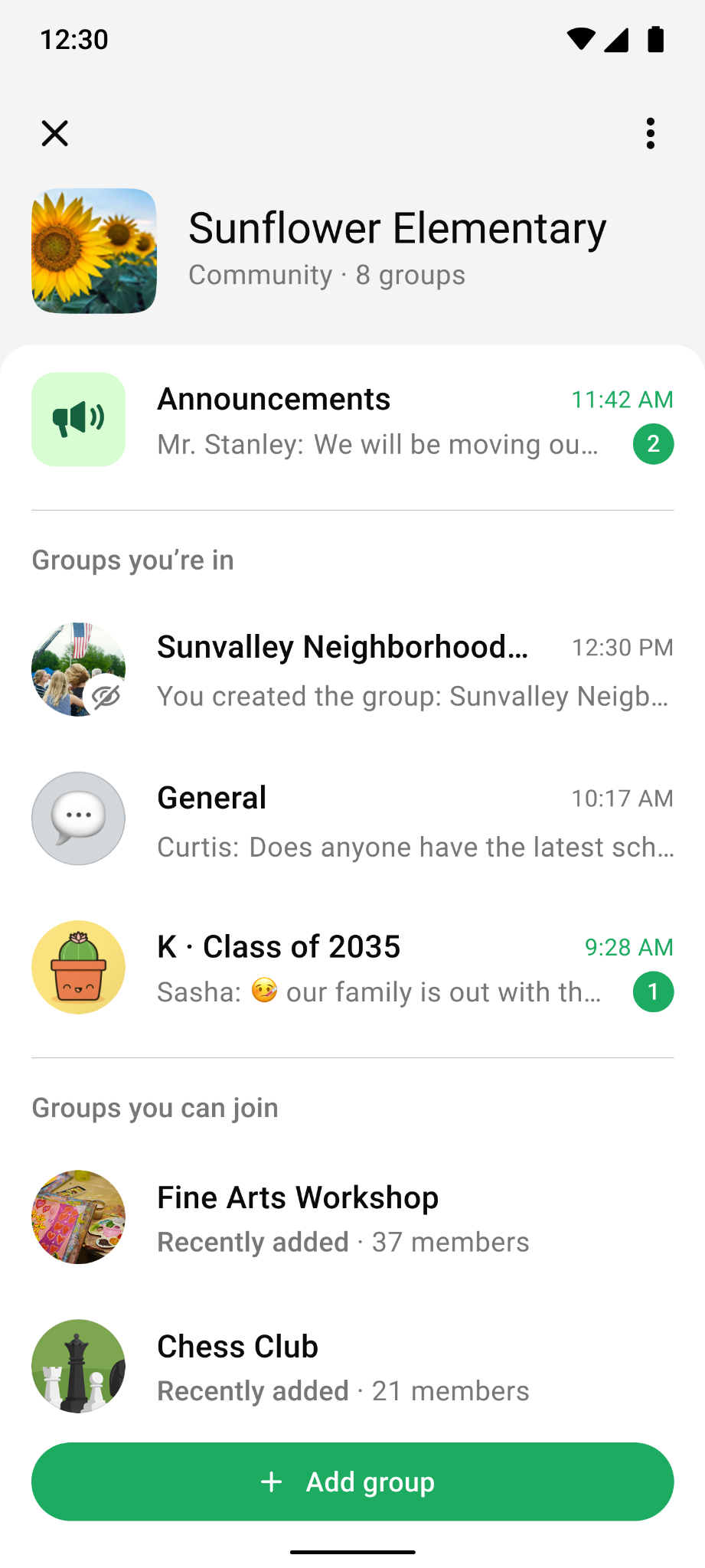
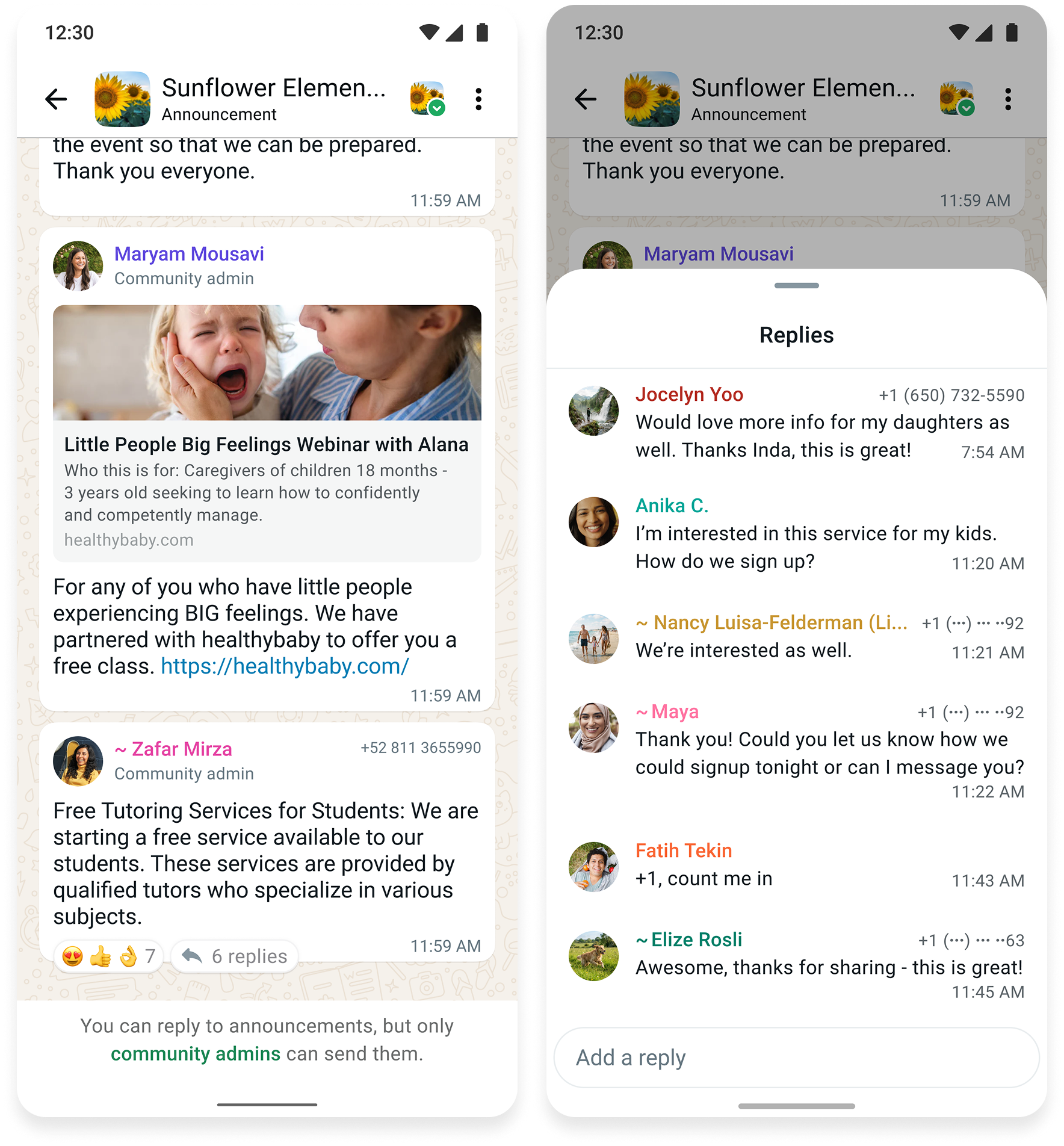
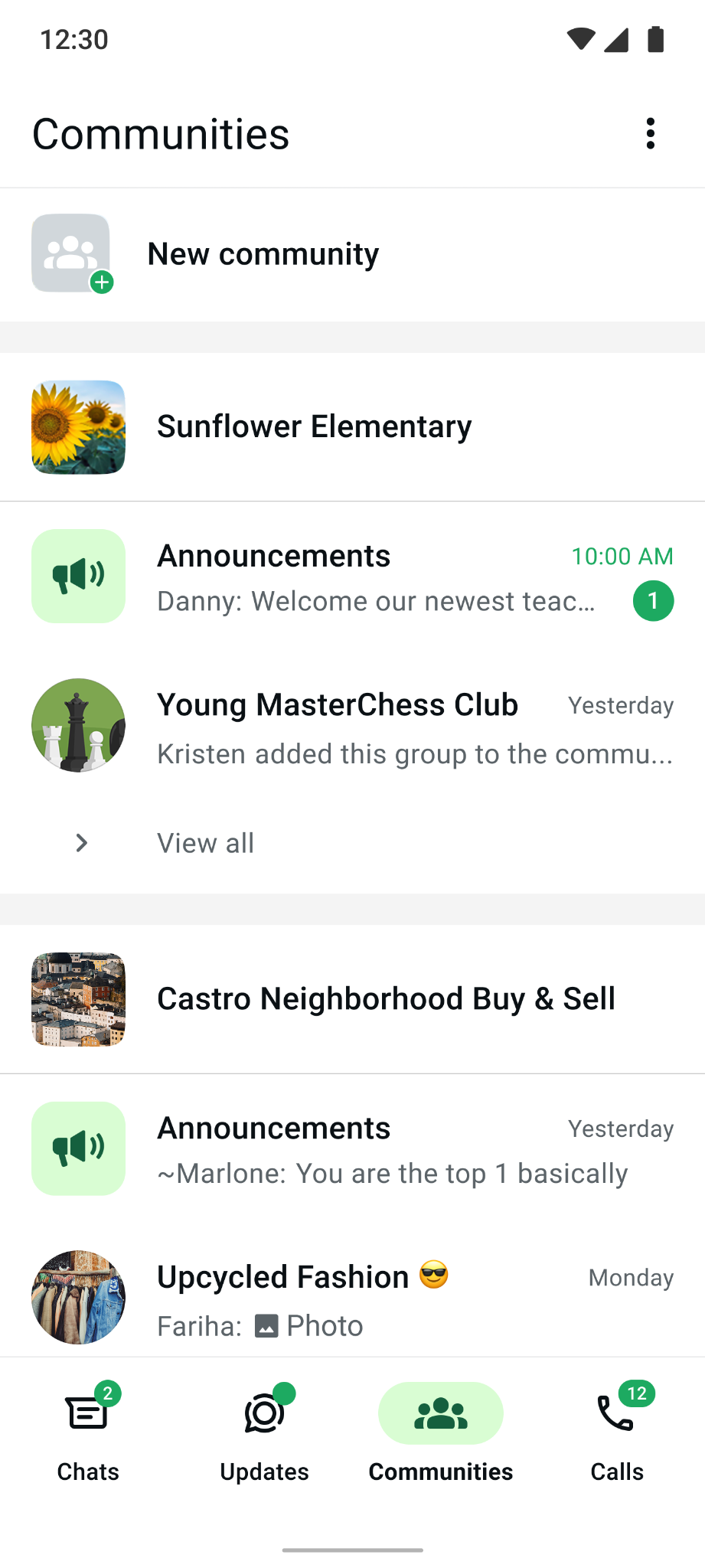
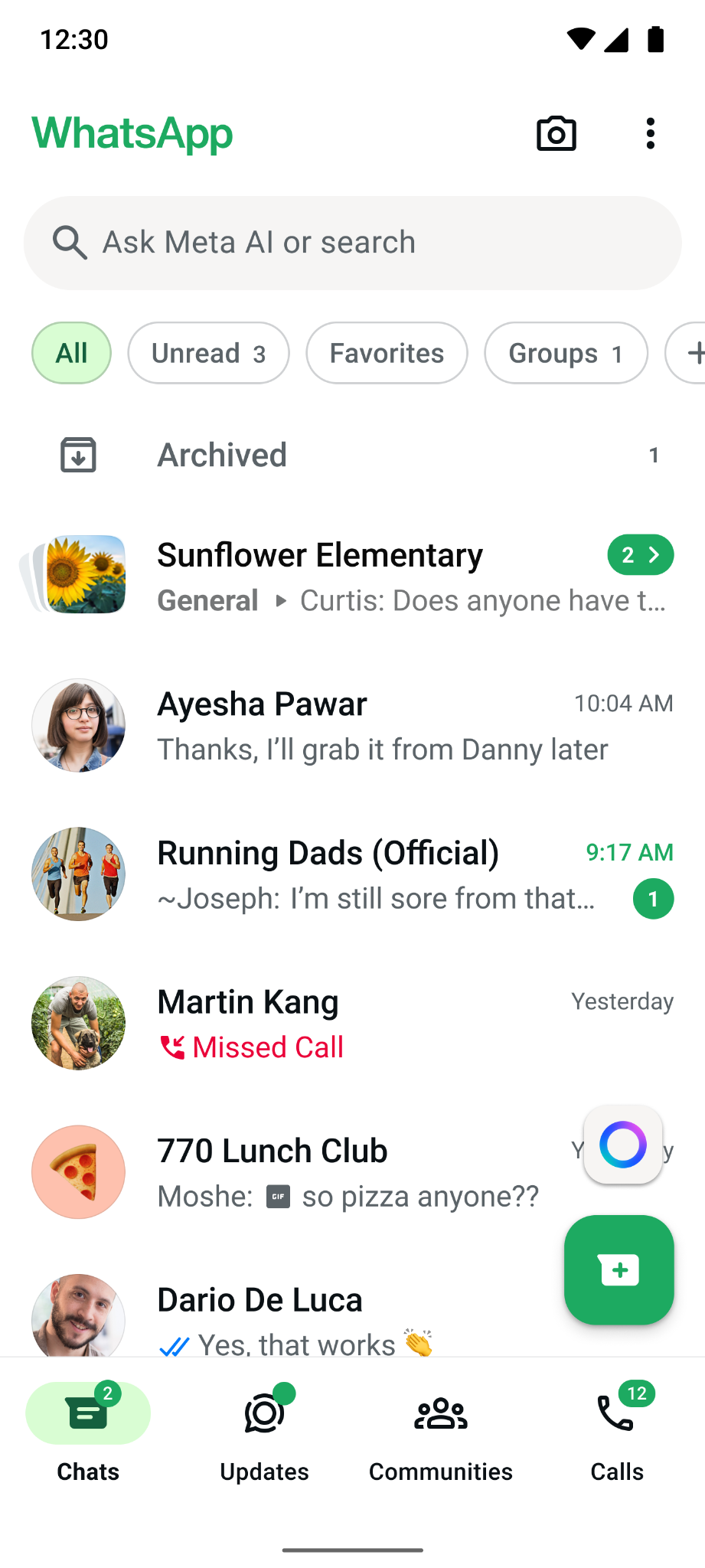
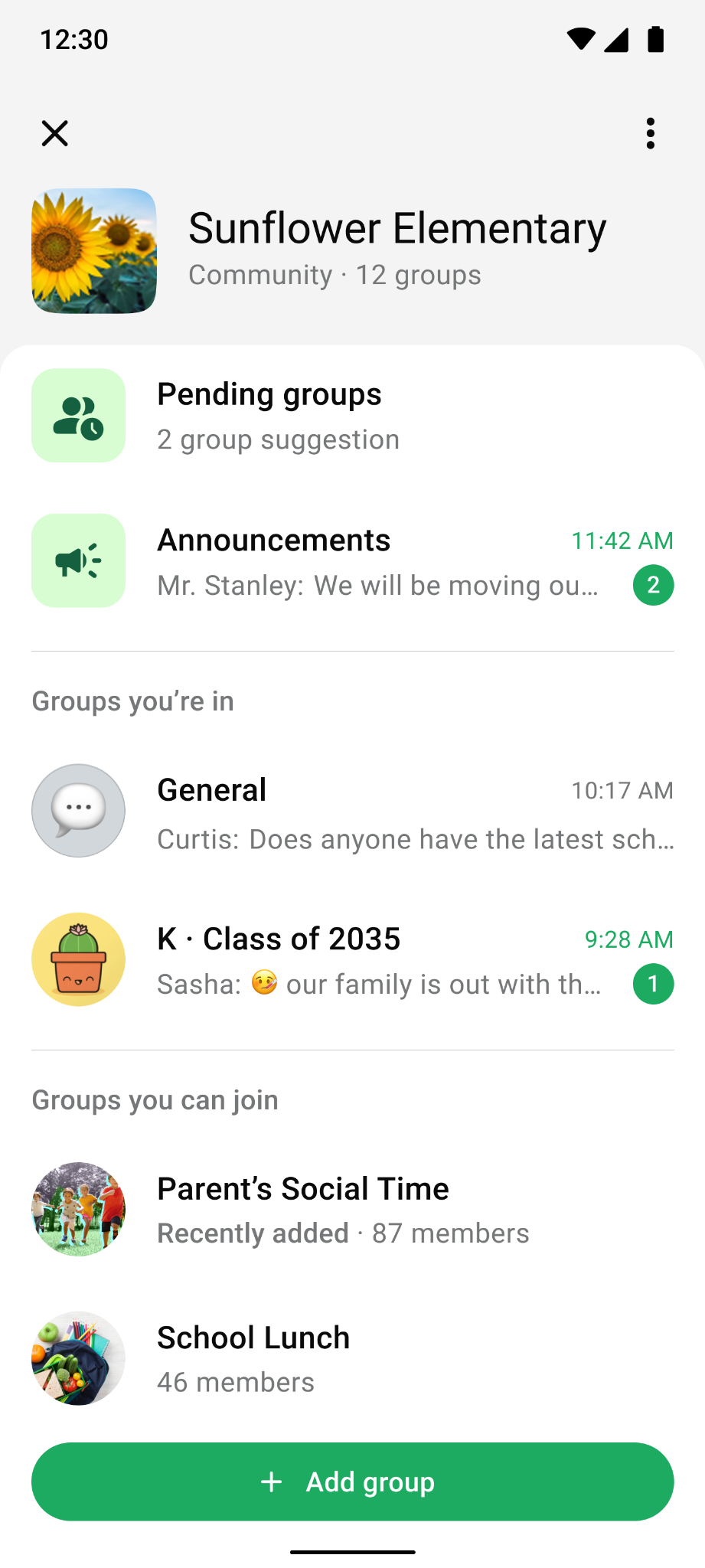
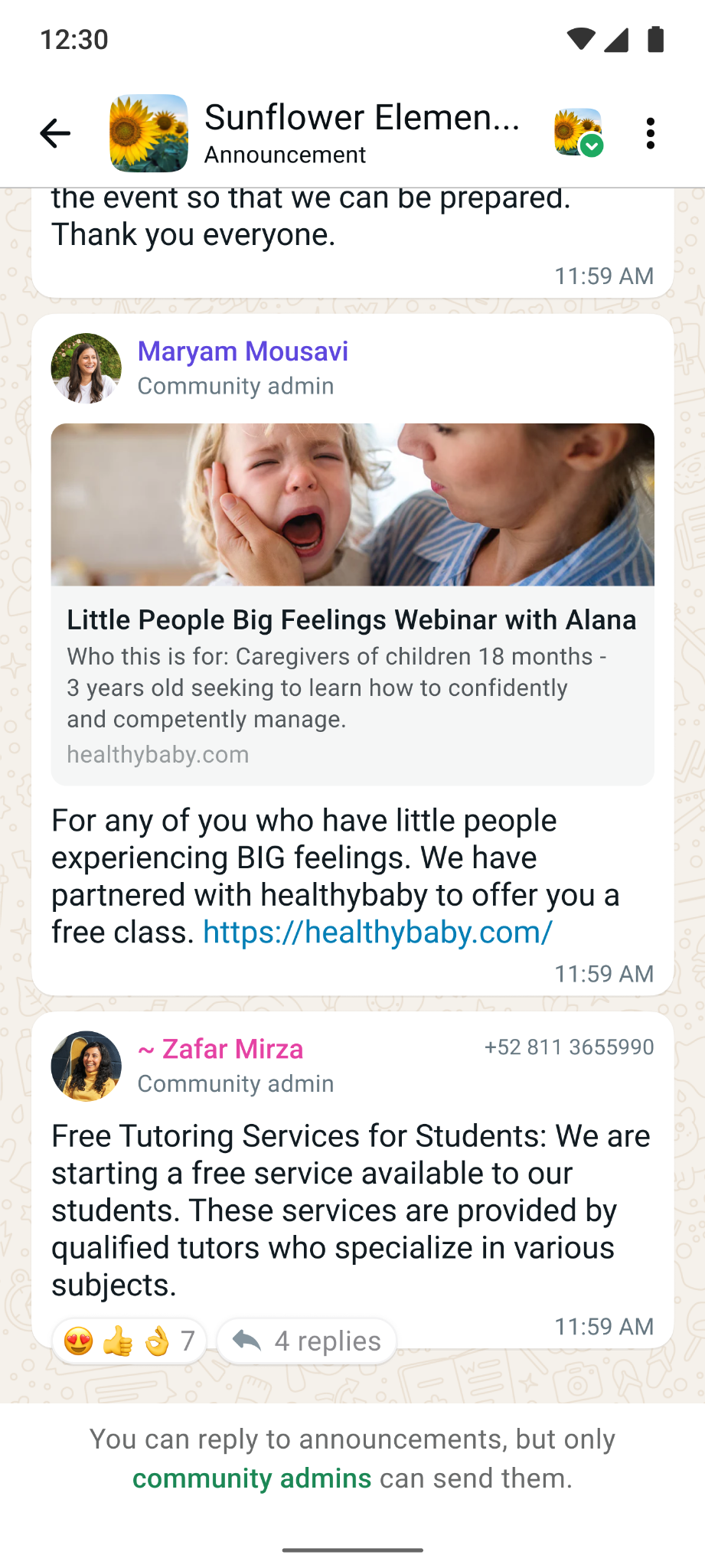
A WhatsApp Community can host up to 100 groups and 2,000 members. Members can discover or create topical groups to connect and engage with other members. Admins can manage multiple groups and utilize the Announcement Group to share updates with everyone.

COMMUNITIES LAUNCHES
Together, these projects explore the systems that help a community grow from a set of chats into an active, durable network — making it easier to add the right groups, help people find where they belong, and give admins the tools to keep participation healthy.
Select a project to explore the work ↓
ADDITIONAL PROJECTS
Other WhatsApp features that I worked on prior to my departure, focusing on Growth and Information Overload initiatives.
Welcome Greeting
Admins can create an automated welcome message for new members when they join a group.
Custom Reactions
Letting WhatsApp users customize their emoji reaction tray.
* A vibe-coded hackathon idea that was added to the WhatsApp org roadmap.
Mentions & Replies Filter
A new chat filter that makes it easier to find mentions and replies.
* A vibe-coded concept that was added to the WhatsApp org roadmap.
REFLECTION
What I learned
Communities grow through shared ownership. We put too much responsibility on admins to grow their communities. Giving members a way to suggest groups and bring others in showed how powerful crowdsourcing could be, with the right people helping shape and grow the community.
Growth takes several steps. A group can be added, discovered, and joined without ever becoming active. I learned to look at where participation stalls and what people need to take the next step.
Trust shapes what people bring into a community. People need to know who can find a group, who can join it, and whether that can change later. Clear boundaries give communities room to grow without asking every group to operate the same way.
What’s planned next
Help admins share the responsibility. Make it easier to add co-admins who can help grow and manage the community, spreading the work across more people.
Build for different community needs. Expand on the ways people already use Communities, with features tailored to specific use cases and community types.
Explore community-level controls. Understand what admins need to manage their communities and where additional settings could help, balancing useful control with simplicity.